The real night sky, from where you stand
Hold your phone up to the sky and SKYMAP shows the stars behind it, with the constellations drawn between them. Find a star, follow the arrow, and know exactly where to point a telescope.
Download for Android Fly through the stars in your browser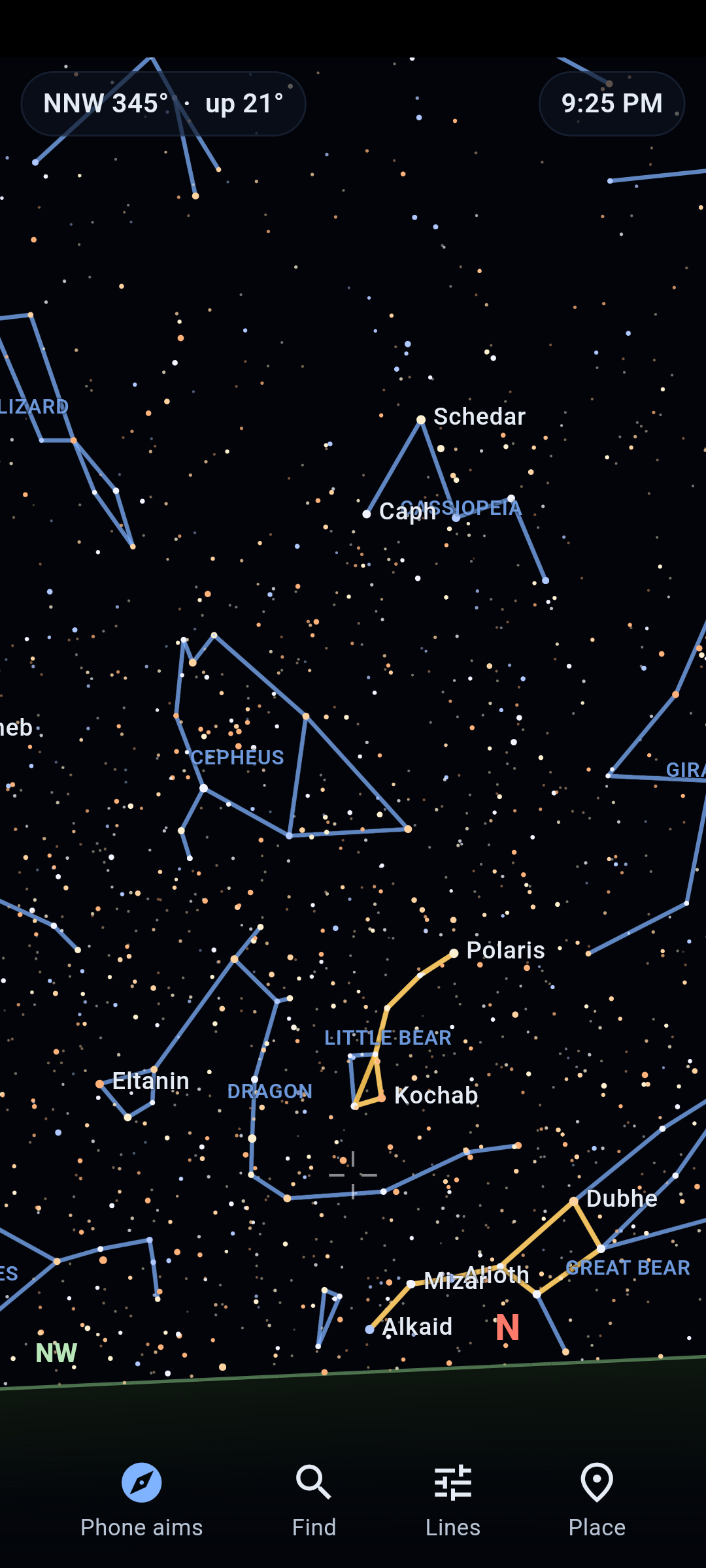
How it works
Living room, porch or an open field: three steps.
It finds where you are
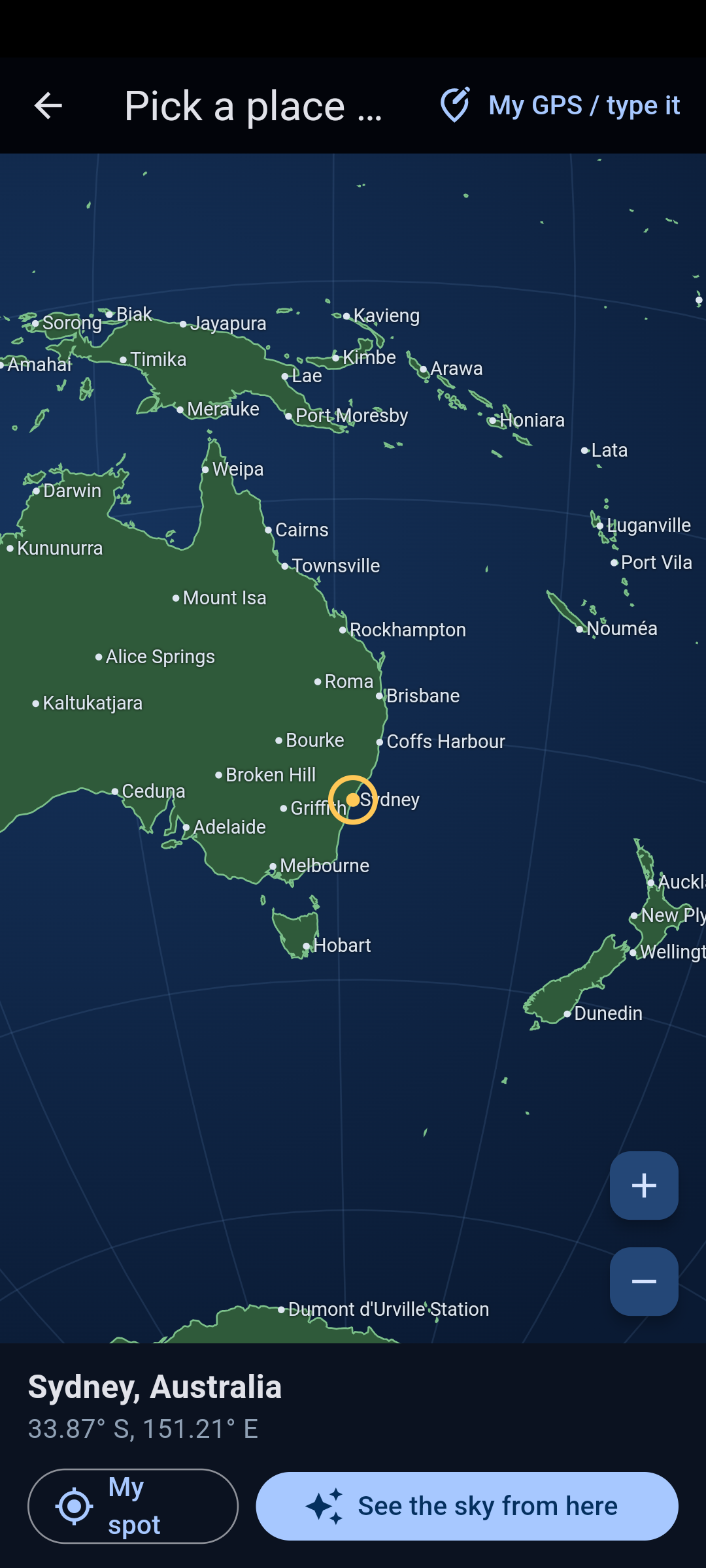
The app uses your phone's GPS once to place the sky for your spot on Earth and the time right now. No GPS? Type your latitude and longitude in instead. Or spin the globe and pick anywhere on Earth to see the sky from there.
Hold it up
Hold the phone up like you are taking a selfie. The screen shows the part of the sky behind the phone, and moves as you move. If it sits a little off, drag it into line with your finger: the app keeps that and never changes it on its own. Or switch to By hand: drag, and the planet turns under your feet while you stand on it, so the sky changes the way it really would as you travel across the Earth.
Find and point
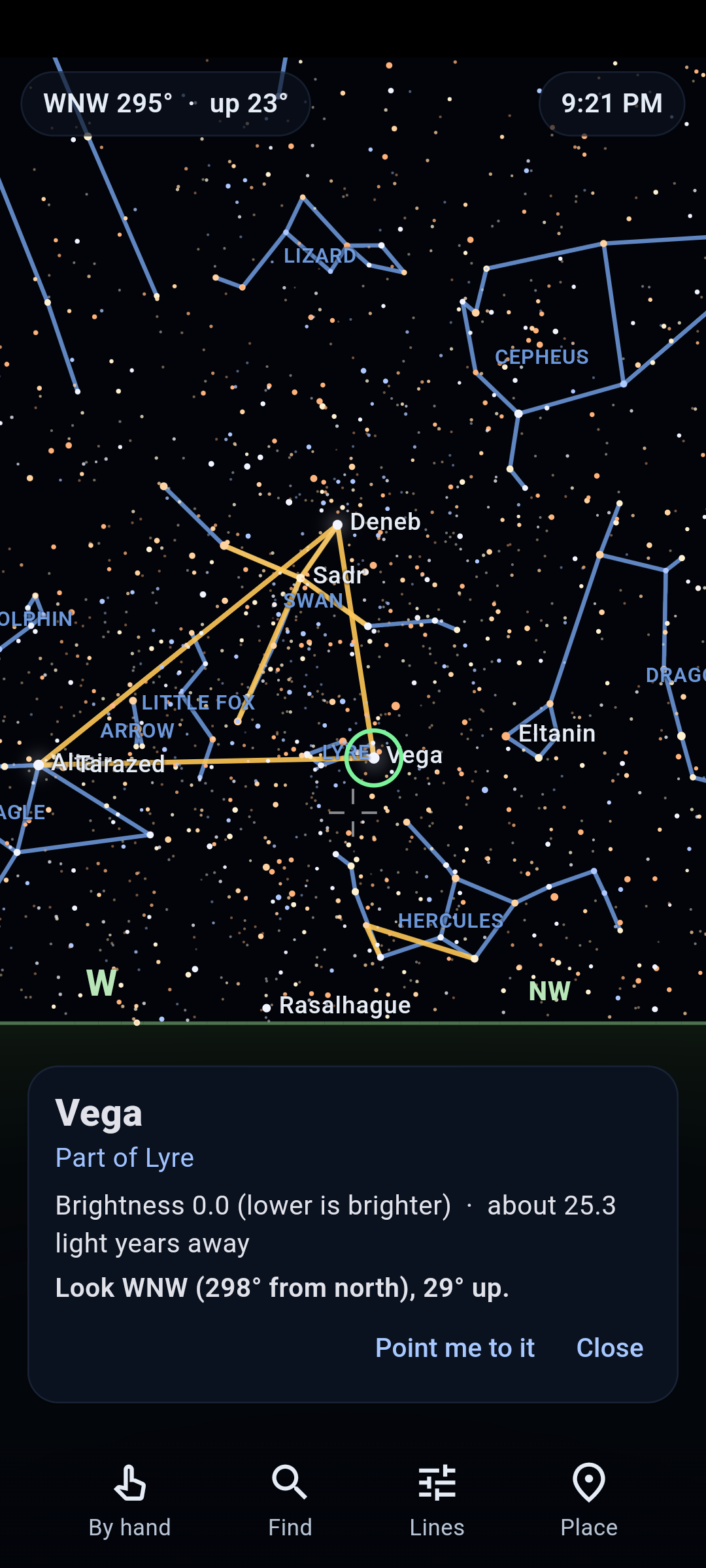
Search any constellation, pattern or named star and a gold arrow leads you to it. Tap any star for its name, its constellation, how far away it really is, and where to look: compass direction and degrees up, ready for a telescope.
Features
Everything in the app.
Real stars
42,210 stars measured by the Gaia and Hipparcos space missions, everything brighter than magnitude 7.6, each in its real place and colour, moved to where it sits today.
All 88 constellations
The official constellation figures, drawn between the real stars, with their names. Twelve well-known patterns, like the Big Dipper and the Summer Triangle, stand out in gold.
Lines you can see
Make the lines as thick as you like, brighter or fainter, in blue, white, gold, green or red. Text size, star size and how faint the stars go are all yours to set: pick City, Town, Country or Dark to match the sky you actually see, or slide in to show only the stars within so many light years.
Aims where you aim
Uses the phone's motion sensors and compass, corrected from magnetic north to true north for where you are.
You stay in control
Line the screen up with the real sky by dragging, or hold a real star in the middle and tap Line up, and it stays put. Steadiness can be set from quick to calm. In By hand mode your finger turns the planet under your feet, with a small globe showing where you have got to.
Find anything
88 constellations, 12 patterns and 351 named stars, searchable by name. A gold arrow points the way until a gold ring sits in the middle.
Telescope ready
Every star tells you its compass direction and how many degrees up to look, so you can aim a telescope, or a clip-on lens on your phone.
Any place on Earth
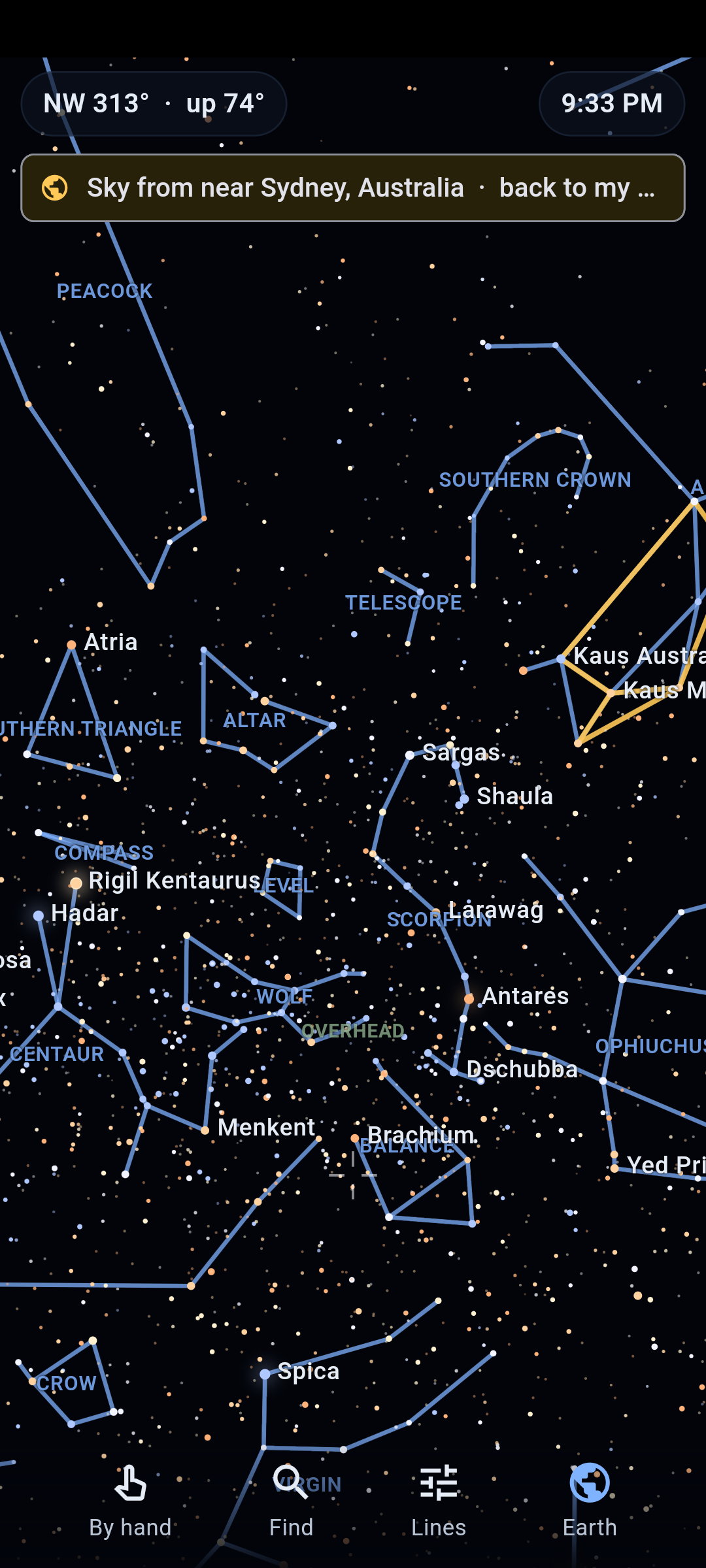
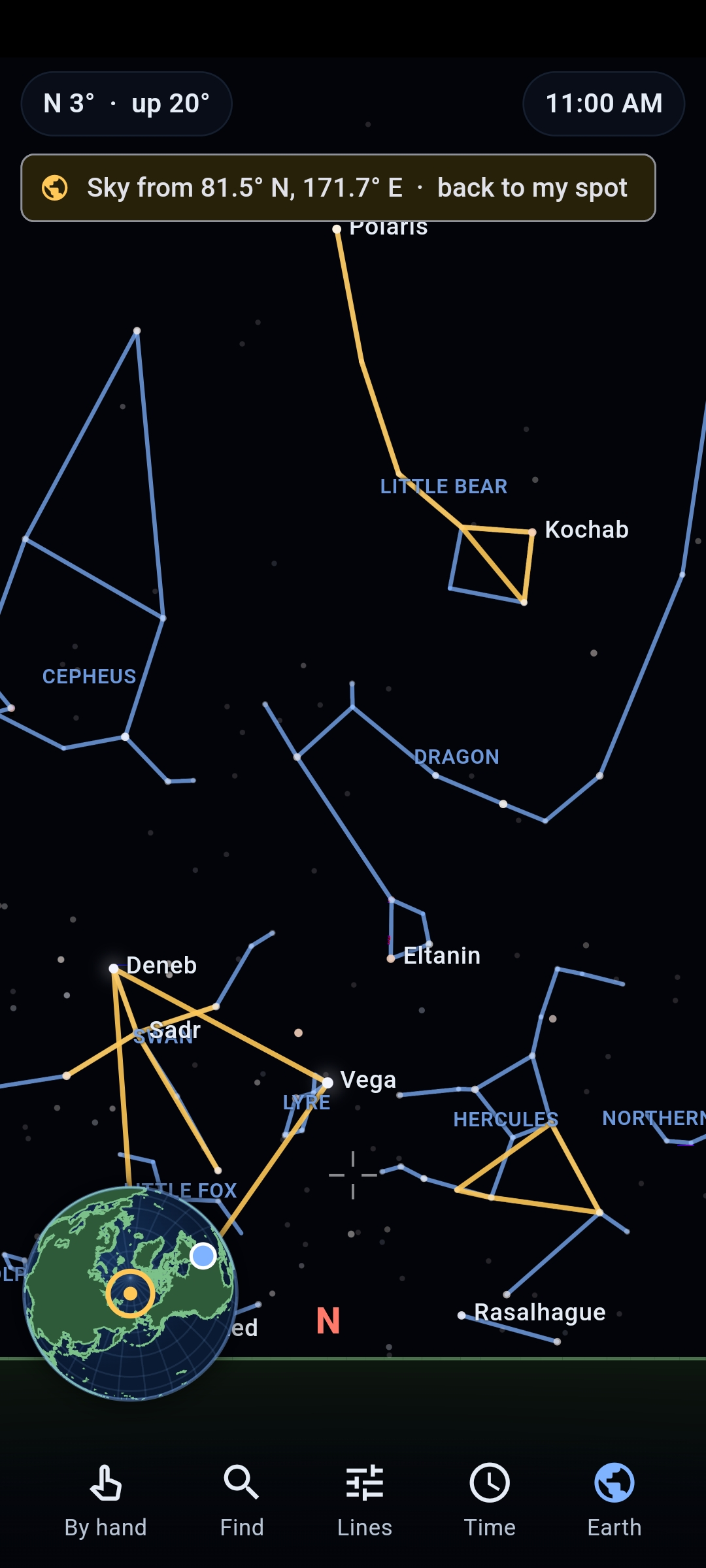
Spin a globe and tap any spot, or search 7,342 cities and towns, and see the sky from there right now: the southern sky from Sydney, the midnight sky over Iceland. One tap brings you back to your own spot.
Any date and time
Step the sky an hour, a day, a month or a year back or forward, pick any date from 1800 to 2200, or let time run and watch the sky turn through the night.
Ground and horizon
The horizon and compass points show where you are facing. The ground can fade away, stay solid, or be turned off to see the stars below you.
No signal needed
All the stars are inside the app. It works in a field with no signal, and the screen stays awake while you look.
Screenshots
From the app on a phone, 6 and 7 November.
Fly through the stars
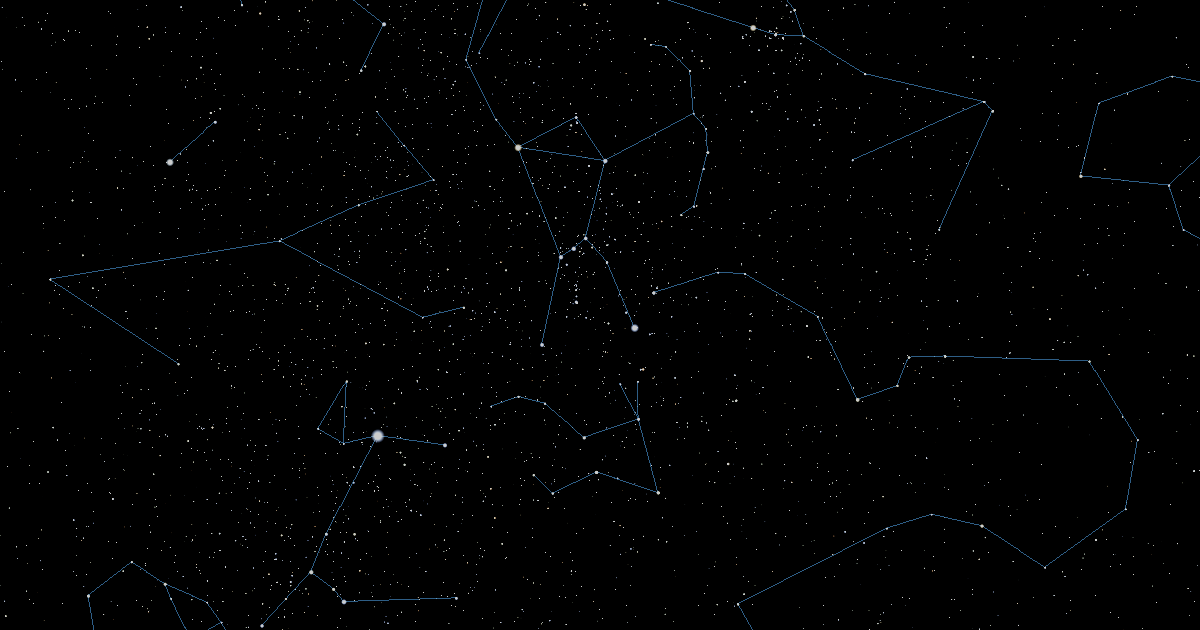
The web map: the same real stars at their measured distances, in 3D, in your browser.
Leave the Earth behind
From Earth the constellations look like shapes. Fly out among them and they fall apart: their stars are at very different distances, and the shapes only work from where we stand.
Best on a computer with a mouse and keyboard. Press L for the constellation lines.
Download
For Android phones and tablets, Android 7.0 or later.
Download SKYMAPInstalling it
- Tap Download on your phone.
- Open the downloaded file. If the phone asks, allow your browser to install unknown apps (it asks once).
- Tap Install, then Open, and allow location when it asks.
For the best match with the real sky, wave the phone in a figure of eight once to settle its compass, away from metal and speakers.
Checking the file
The SHA-256 of the download:
b83850f1a6b384836352ef201dd196a48f2e1bcb8046b171d6eeaa08e16bf20c
Signing certificate SHA-256:
316b969d6e60eb3136a4bfe9c59de1e66db2c2f6868daa4cfb3b49c16a7a0de8